
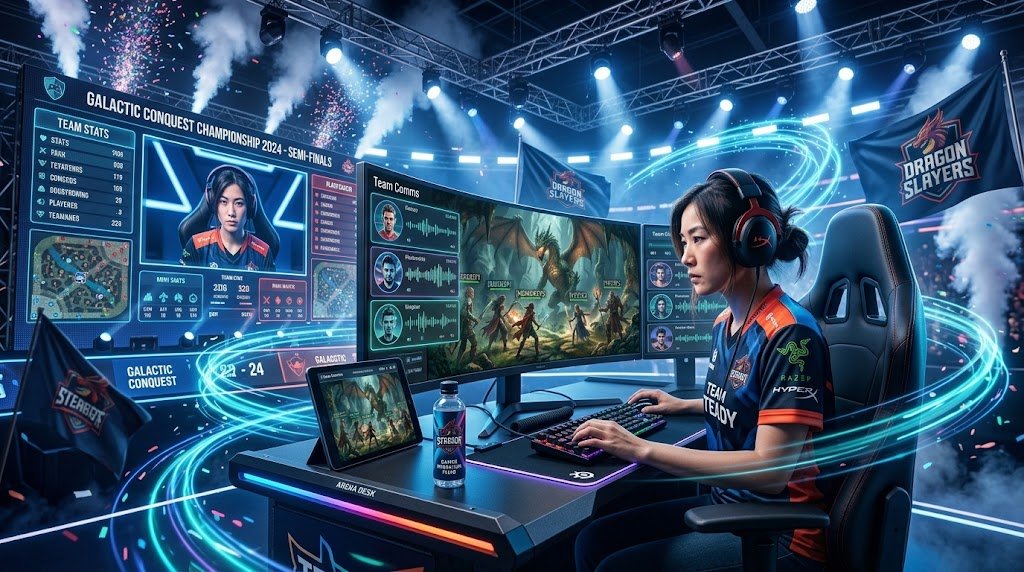
A great gaming setup does not have to cost a fortune. Some of the most enjoyable play sessions happen on modest hardware in a carefully arranged corner of a bedroom, because what matters most is how well each piece supports your games and your body.
The trick is knowing where to spend and where to save. This guide explains how to prioritize your budget across the desk, the PC or console, the monitor, lighting, the chair, and accessories, so every rupee or dollar goes toward the upgrades that will make the biggest difference.
Decide What You Actually Want to Play
Before you spend anything, look at the games you play most often or plan to play. A competitive shooter that rewards high frame rates has very different hardware needs than a turn-based strategy game or a story-driven adventure. Make a short list of your top five games, then check their minimum and recommended system requirements. This simple exercise prevents overspending on power you will never use and helps you identify which component deserves the bulk of your budget.
It also helps to decide between a console and a PC. A console offers a plug-and-play experience with a predictable price and a controller already included. A PC costs more upfront in many cases, but it can be upgraded over time, runs a wider library of games, and often costs less per title thanks to frequent sales. Used hardware, last-generation consoles, and refurbished machines can also deliver excellent value for players on a tight budget.
Prioritize the Core: Computer or Console
The PC or console is the heart of your setup, so it usually deserves the largest share of your money. If you are building a PC, prioritize the graphics card and processor, since these affect performance most directly. A balanced mid-range build is often better than a powerful processor paired with a weak graphics card, or the reverse.
Adequate memory, typically 16 GB for modern games, and a fast solid-state drive improve loading times and overall smoothness. You can often save money by choosing a reliable power supply and case that leave room for future upgrades rather than buying premium extras you do not need yet.
If you are buying a console, the decision is simpler. Compare the standard and digital editions, look for bundles that include a game you already want, and check whether a previous-generation model offers enough performance for your library. Buying a console during seasonal sales or buying a pre-owned unit from a trusted seller can save a substantial amount.
Choose a Monitor That Matches Your Hardware
A monitor is often the second most important purchase, because it determines how much of your hardware’s potential you actually see. For most budget setups, a 1080p monitor with a refresh rate of 75 Hz or 144 Hz offers a smooth, sharp experience without a large price tag.
Higher resolutions like 1440p look impressive but demand more from your graphics card, so match the monitor to what your system can comfortably run. If you play on a console, check that the monitor supports the output resolution your console produces, and look for models with a low input lag mode if you play fast-paced games.
Used or refurbished monitors from reputable retailers can offer strong value, as can brands that focus on budget gaming displays. Pay attention to panel type, since IPS panels generally provide better colors and viewing angles, while VA panels often deliver stronger contrast. You do not need the biggest screen available. A well-sized display that sits at a comfortable distance is usually more pleasant than a large one that forces you to move your head constantly.
Invest in a Chair You Can Sit in for Hours
Because you will spend long hours in your chair, it is worth allocating a meaningful portion of your budget to it, even if you cannot afford a premium model. A supportive chair protects your back and makes sessions more enjoyable. Look for adjustable seat height, a firm seat, and some form of lumbar support. Budget-friendly ergonomic chairs and office chairs sold secondhand can be excellent options, and many people find that a good used office chair outperforms a flashy gaming chair with thin padding.
If your budget is extremely tight, you can improve a basic chair with a lumbar cushion or a rolled towel behind your lower back. Raising your monitor to eye level and positioning your desk so your forearms rest comfortably will also reduce strain, and these adjustments cost little or nothing.
Build a Desk on a Budget
You do not need a dedicated gaming desk. A sturdy table, a cleared section of a dining table, or a simple writing desk can work well if it is the right height and depth. Your forearms should rest at about a ninety-degree angle with your shoulders relaxed, and there should be enough room for your keyboard, mouse, and any controller without stretching. A desk with a stable surface matters more than a fancy design, since wobbling can disrupt precise aiming.
If you want a slight upgrade, a monitor stand or a simple shelf can free up space and improve your screen height without buying a new desk. Cable clips and a small power strip keep the area tidy and safe, and they cost very little.
Use Lighting to Reduce Eye Strain
Lighting is one of the most cost-effective upgrades you can make. A dark room with a bright screen creates harsh contrast that tires your eyes quickly. A soft lamp or an inexpensive LED strip behind the monitor adds gentle ambient light that reduces this strain.
Position the monitor so windows and lamps do not reflect on the screen, and keep the light source off to the side or behind you to limit glare. RGB strips can add a fun atmosphere, but choose a warm or neutral white setting for long sessions if comfort is your priority.
Spend Wisely on Accessories
Accessories can quickly drain a budget, so approach them with restraint. A reliable keyboard and mouse matter more than flashy features, and a mid-range model with comfortable switches and a shape that fits your hand will serve you better than an expensive product with unnecessary extras.
If you use a controller, a standard wired or wireless model is often enough. Headphones deserve a place high on your list, since clear audio helps you hear footsteps and cues in competitive games. Choose a comfortable pair with good sound rather than the loudest marketing.
Mouse pads, cable management tools, and headset stands are useful but optional. Add them only after the essentials are in place. Watch for sales, compare prices across retailers, and consider buying second-hand peripherals from trusted sellers, provided they are in good condition and come with a return option.
A Sample Budget Strategy
A practical way to allocate a small budget is to start with the computer or console, then the monitor, followed by the chair, desk adjustments, lighting, and finally accessories. Many players find that spending roughly half of their budget on the core machine, a quarter on the monitor and chair combined, and the rest on lighting, peripherals, and small comforts creates a balanced setup.
Adjust these proportions to fit your priorities. If you already own a capable computer, you might put more money into the monitor and chair. If you play mostly on a console and already have a good television, the chair and lighting may deserve the most attention.
Plan purchases over time rather than all at once. Buying one meaningful upgrade each month lets you enjoy the setup as it grows, and it gives you time to research and avoid impulse decisions.
Conclusion
Building a gaming setup on a small budget is about making smart choices rather than spending the most money. Start by identifying the games you play and the performance they require. Put your largest investment into the computer or console, then choose a monitor that matches your hardware and a chair that supports you through long sessions.
Keep the desk functional, improve lighting to protect your eyes, and buy accessories only when they truly add value. With careful planning, used and discounted options, and gradual upgrades, you can create a comfortable, capable space that delivers hours of enjoyment without draining your savings.